Updated November 2026. Kanoa's getting-started resources change often, so this guide is dated. When they change again, we'll post a new version. It replaces our earlier getting-started posts, "Try Before You Buy" (April 2025) and "From Trial to Transformation" (August 2025).
A lot has changed since we first made Kanoa MES available to try. There's now a free training course, a one-command dev environment, a community forum, a partner directory, and documentation your AI assistant can read. Here's where to start, depending on what you're trying to do.
"I want to learn Kanoa MES"
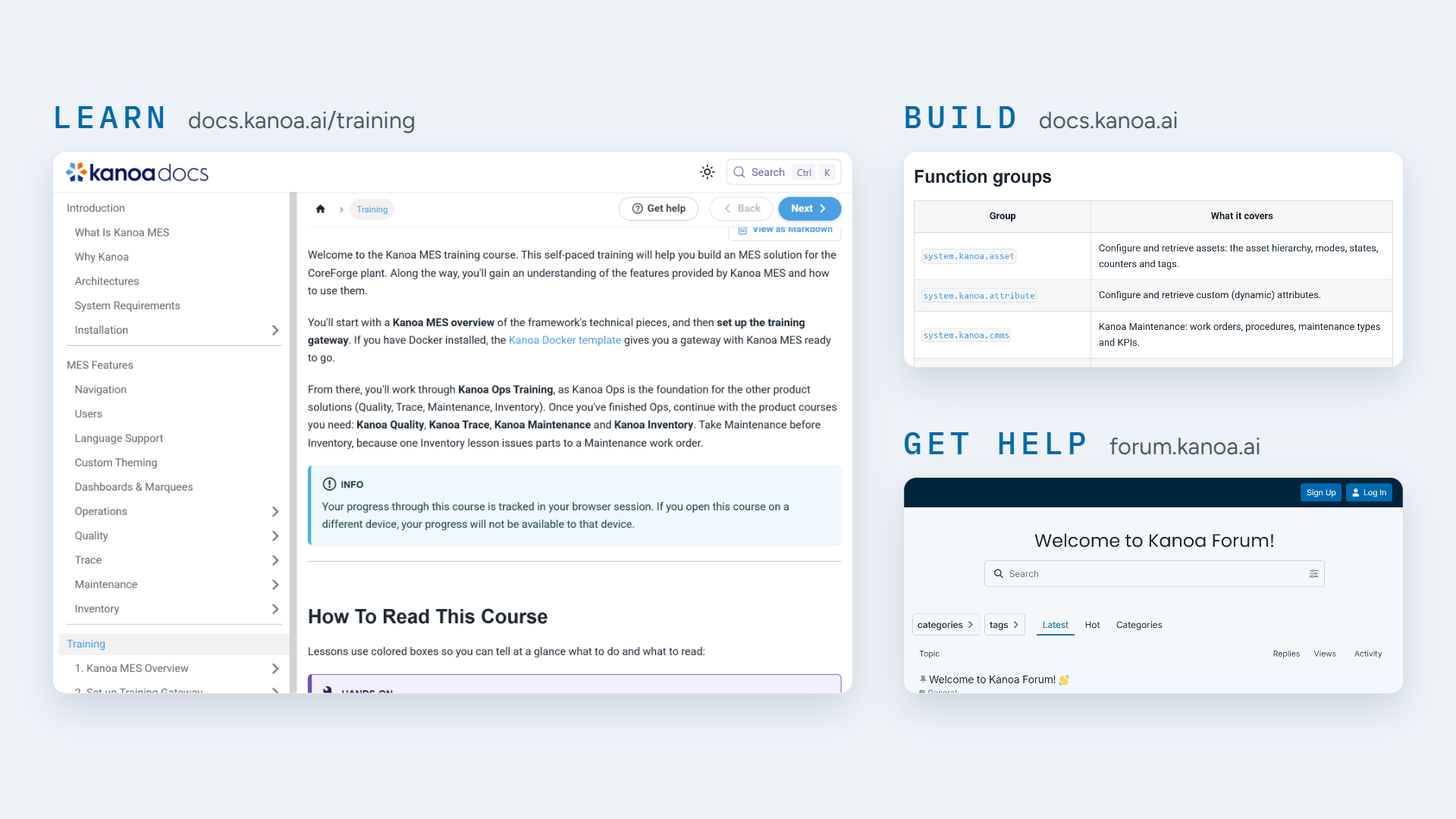
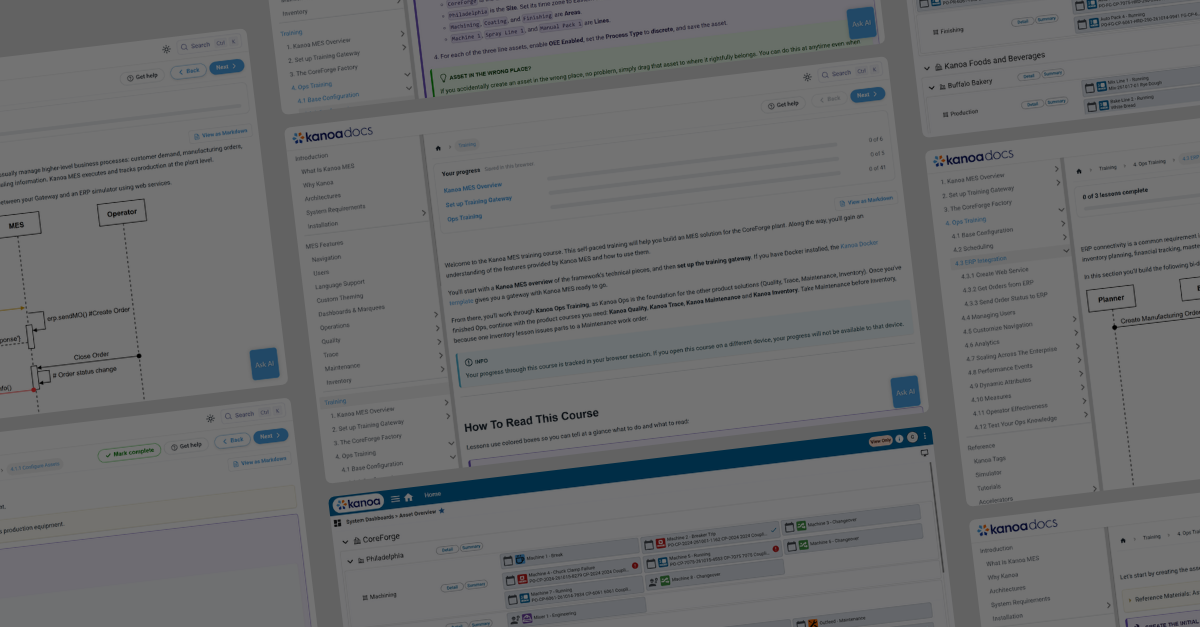
Start with the free Kanoa Ops course at docs.kanoa.ai/training. It's self-paced and costs nothing. You learn to implement Kanoa MES by building a working implementation for CoreForge, a fictional plant, in your own Ignition Gateway. Check scripts tell you what passed and what to fix, and the knowledge checks prepare you for the Kanoa Ops certification exam. Courses for Kanoa Quality, Trace, Maintenance and Inventory are forthcoming.
Kanoa Ops is the foundation Solution, so it's the right place to start whatever you plan to use later.
"I want to try it on my own gateway"
Kanoa MES installs on an Ignition Gateway and runs in trial mode without a license, on the same two-hour trial model Ignition users already know. You can reset the trial and keep going. Get the module from kanoa.ai/downloads.
You'll need Ignition (with Perspective) and Microsoft SQL Server. Both are licensed separately, and both have free options for development and evaluation.
"I want a dev environment, fast"
Kanoa's public Docker template brings up Ignition, the Kanoa MES technical components and SQL Server together, for development and training. It's also the quickest way to set up a gateway for the training course.
"I want to build on it"
Everything is documented at docs.kanoa.ai. That includes the Kanoa API reference: more than 850 Kanoa system functions (system.kanoa), with descriptions and examples. Kanoa MES is built on and for Ignition, so you configure first and extend where needed, with Perspective, scripting and the tools your team already knows.
Two shortcuts:
- Kanoa MES Accelerators are free implementation aids. They're point-in-time examples you can adapt, not Solutions, and they aren't formally covered by Kanoa support.
- Docs your AI assistant can read: docs.kanoa.ai has an llms.txt file and a View as Markdown option on its pages, so you can give your AI coding assistant the right Kanoa context.
"I'm stuck"
- In the training: the Get Help button on each training page opens a support ticket for that page.
- Anywhere else: the Kanoa Forum is where systems integrators, end users and partners ask questions and share solutions. It sits alongside the documentation and the support portal.
"I'd rather have a partner do it"
Plenty of teams implement Kanoa MES themselves. If you'd rather work with an implementation partner, the Kanoa Systems Integrator Program has Associate, Certified and Premier partner levels, and the partner directory is the place to find one.
Where to start
If you only open one link, make it the Kanoa Ops course at docs.kanoa.ai/training.

No Comments Yet
Let us know what you think